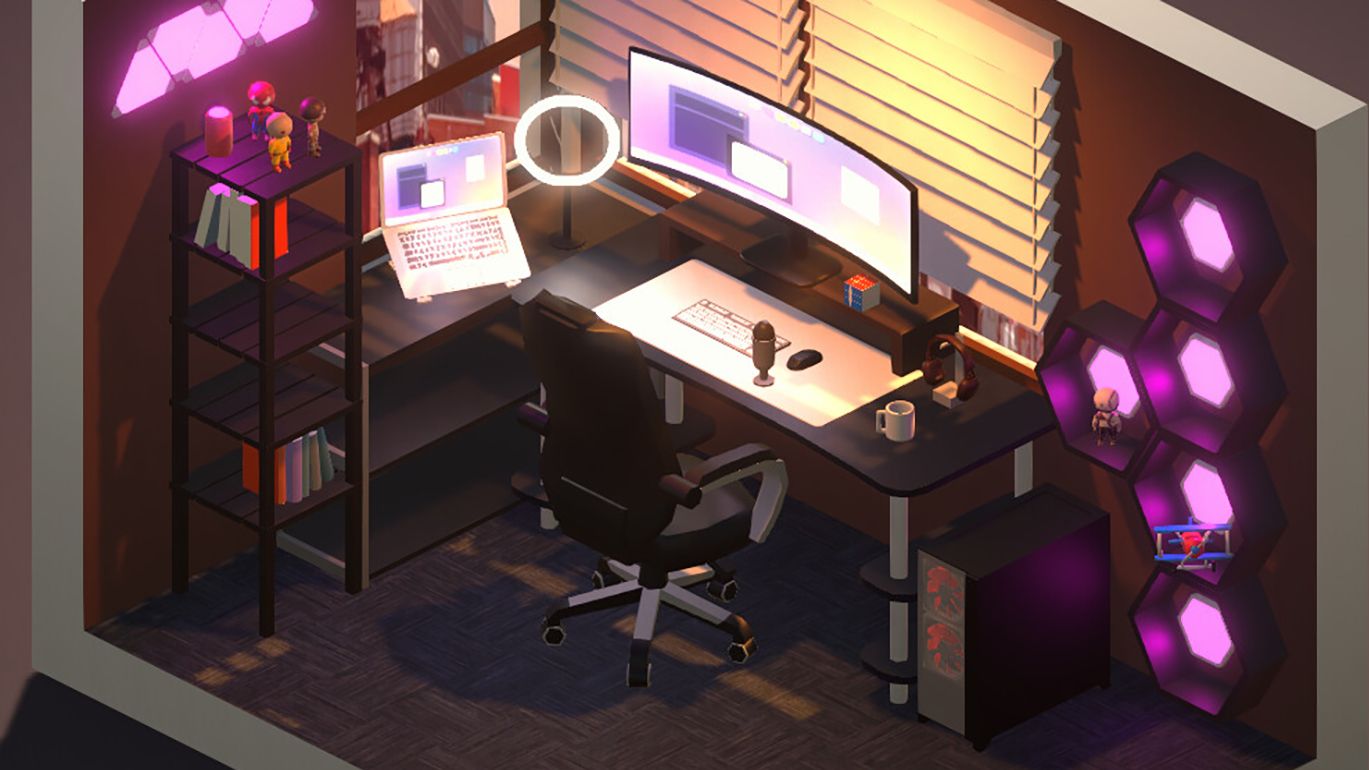
Moving across the country is challenging enough when you are dealing with furniture, clothes, and boxes of everyday belongings. Add a gaming PC, multiple monitors, consoles, controllers, and other expensive equipment to the mix, and the move requires considerably more care.
A gaming setup can represent years of upgrades and investment, so simply putting everything into a moving box is rarely a good idea. With some careful planning, you can protect your equipment and make setting everything up in your new home much easier.
Take Photos Before Disconnecting Everything
Before pulling out cables, take several clear photos of the back of your PC, monitors, consoles, speakers, and other connected devices. Even if you know your setup well, these pictures can save time when you are surrounded by boxes at the other end of the move.
Labeling cables is also worthwhile. Small tags showing which monitor, console, or peripheral each cable belongs to can prevent you from having to test several nearly identical power and display cables later.
Protect the Most Expensive Components
Gaming PCs need special attention during a long-distance move. If your computer has a large, heavy graphics card, consider removing it and packing it separately in an anti-static bag with suitable padding. This can reduce stress on the motherboard and PCIe slot while the computer is being transported.
If possible, use the PC case’s original packaging. Otherwise, choose a strong box with enough protective material to prevent the case from moving around. Monitors should also be packed individually, with particular attention paid to protecting their screens and corners.
Keep Small Gaming Gear Together
Controllers, headsets, mice, keyboards, webcams, microphones, and adapters are easy to lose during a major move. Rather than distributing them across several boxes, create one or two clearly marked boxes specifically for gaming accessories.
Use smaller bags or containers inside the boxes for cables, USB adapters, batteries, and other loose items. You will know exactly where to look when it is time to rebuild your setup.
Coordinate Your Gaming Equipment With the Rest of the Move
Think about how your equipment fits into your wider relocation plan. If you are moving a vehicle as well as your household belongings, you may decide to ship cars to New York rather than drive across the country with valuable electronics packed into the car.
Whatever transportation method you choose, avoid leaving sensitive gaming hardware in a vehicle for extended periods. Extreme heat, cold, moisture, and sudden temperature changes can be harmful to electronic equipment.
Back Up Your Data Before Moving
Physical protection is only part of the preparation. Back up important files, game saves, screenshots, videos, work, and personal documents before the move. Use cloud storage or an external drive, ideally keeping the backup separate from the PC itself.
This provides an extra layer of security if your computer is damaged or lost in transit.
Plan Your New Gaming Space
Finally, think ahead about where everything will go in your new home. Check outlet locations, internet access, desk dimensions, and available ventilation before unpacking.
A little organization before moving day means you can arrive, unpack your equipment in the right order, reconnect your cables, and get back to gaming without turning your new room into a maze of boxes and wires.